
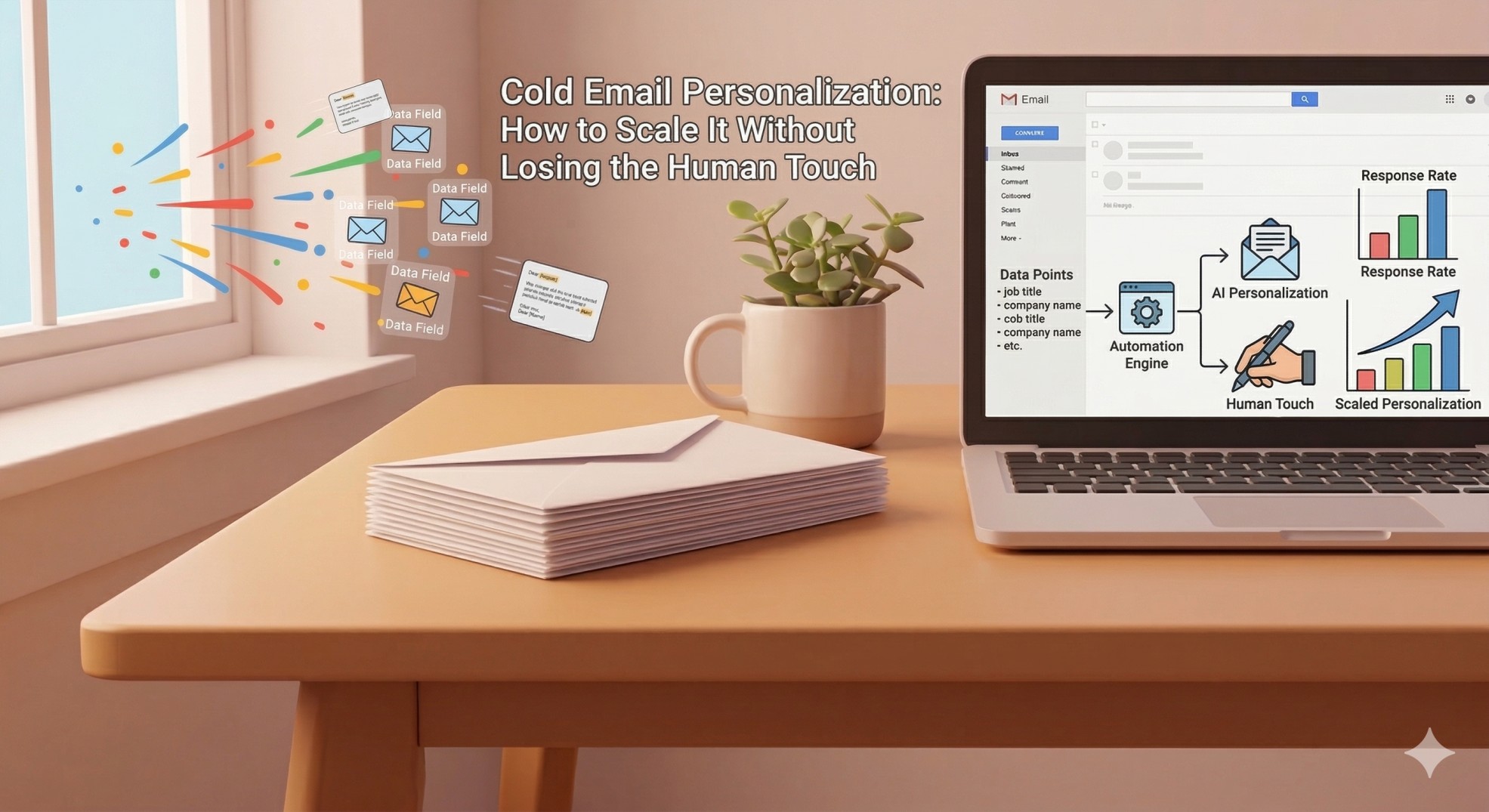
Here is the personalization paradox every cold emailer faces in 2026:
The data is unambiguous — only 5% of senders personalize every cold email, but those who do get 2–3x better results. Campaigns with advanced personalization achieve reply rates of up to 18%, compared to just 9% for generic emails. Highly personalized campaigns using multiple custom fields boost replies by 142% compared to non-personalized blasts.
The case for personalization is iron-clad. The problem is the time.
Writing a genuinely personalized cold email — one with a researched first line, a relevant hook tied to the prospect's specific situation, and a value proposition tailored to their role and stage — takes 5 to 15 minutes per prospect. At 50 prospects per day, that is up to 12 hours of research and writing before you have sent a single email.
So the question is not whether to personalize. The answer to that is yes, always, unambiguously. The question is how to personalize at scale — how to deliver the quality of a hand-crafted, deeply researched email to hundreds of prospects per week without hiring an army of researchers or burning out your team.
This guide answers that question completely. You will find the 2026 data on exactly how much personalization moves the needle, a three-tier framework that makes scaling personalization systematic rather than ad hoc, the AI-assisted workflows that the best outbound teams are using right now, and real before-and-after examples that show exactly what good personalization looks like in practice.
The 2026 Personalization Data: What Specifically Moves the Needle
Before building a personalization system, it pays to understand which types of personalization actually drive results — because not all personalization is created equal, and spending time on low-impact personalization while neglecting high-impact personalization is one of the most common efficiency mistakes in cold outreach.
Here is how reply rates break down based on the depth of personalization, from Instantly, Belkins, and Martal Group benchmark reports:
Personalization Level Description Average Reply Rate No personalization Batch-and-blast template 1–3% Basic personalization First name, company name, job title 5–9% Advanced personalization Specific pain point, trigger event, role context 15–18% Hyper-personalization Signal-based, multi-field, multi-channel 20–25%+
Personalization boosts results: emails tailored to recipients see a 32% higher response rate, while customized subject lines improve open rates by 50%.
There are various personalized elements you can insert into both the message and subject line that may elevate reply rates by as much as 142%.
The most important finding in the table above: the jump from basic to advanced personalization is larger than the jump from no personalization to basic. Going from a first-name merge tag to a genuinely researched, contextually relevant email nearly doubles your reply rate again. This is where most senders leave the most performance on the table — they implement basic personalization, see a modest improvement, and assume they have solved the problem. They have not. Advanced personalization is where the real gains live.
In 2026, volume is losing to precision. The best-performing teams are not sending more emails — they are sending fewer, better-targeted ones.
The 3 Types of Cold Email Personalization (And When to Use Each)
Not every prospect on your list deserves the same level of personalization investment. Part of scaling personalization effectively is knowing which tier to apply to which prospect — so your highest-value accounts get your deepest research, and your broader segments get smart, efficient templating.
Tier 1: Segment-Level Personalization
For: Broad ICP campaigns, high-volume outreach, initial testing
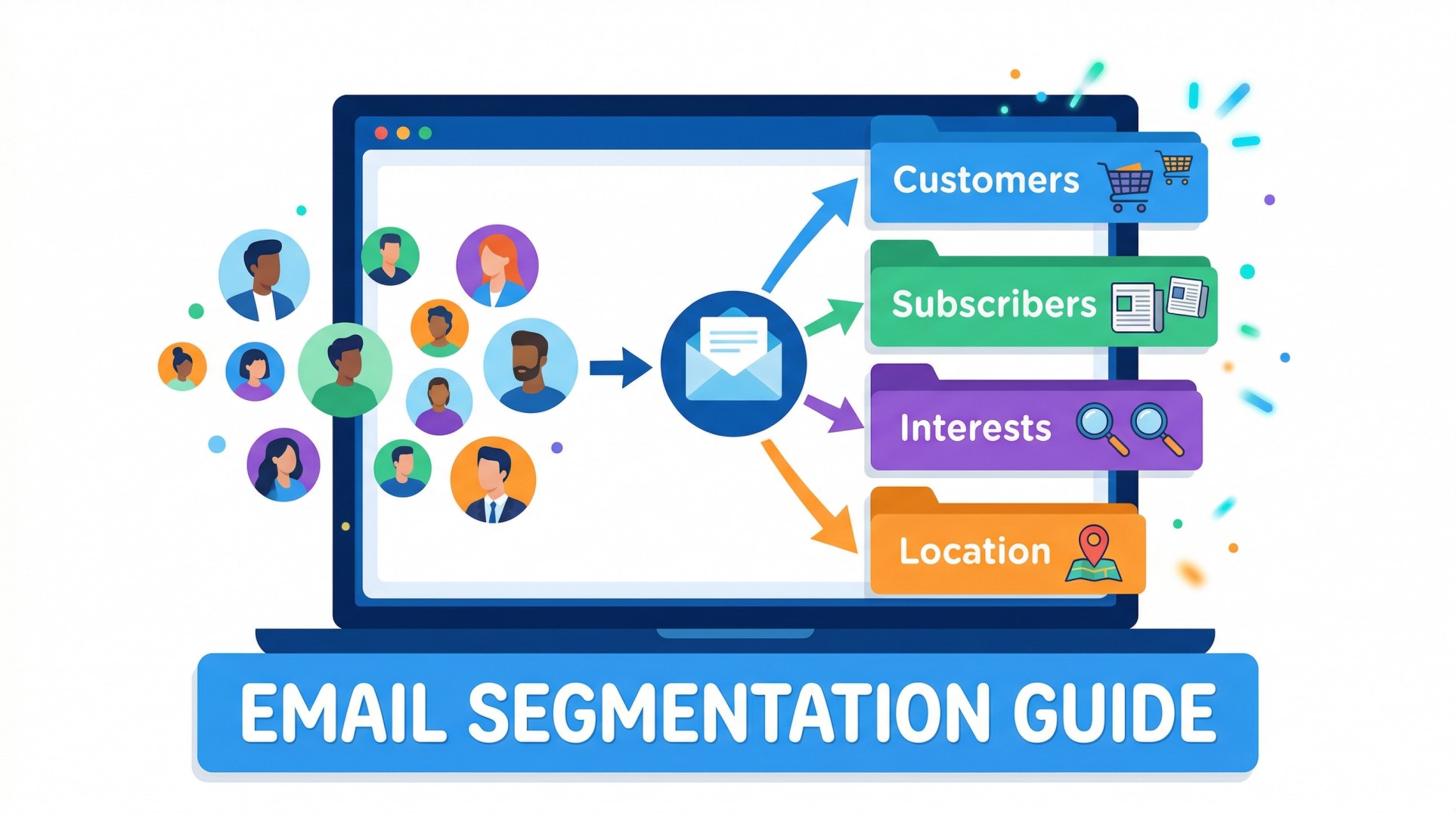
Segment-level personalization means every email in a campaign is written for a specific, well-defined segment — same industry, same company size, same role, same pain profile — even though individuals within the segment receive the same core message.
This is not generic mass-blast. It is targeted messaging that is genuinely relevant to everyone in the segment, even before any individual research. A well-defined ICP segment is what makes this tier perform better than most senders' "personalized" outreach.
What it includes:
Industry-specific language and pain points
Company stage-appropriate framing (Series A vs. enterprise)
Role-specific value proposition (VP of Sales vs. Head of Marketing)
Segment-specific social proof (case study from same industry)
Expected reply rate: 5–9% with strong ICP definition
When to use it: First campaigns with a new segment, high-volume outreach to large ICP pools, initial A/B testing before investing in deeper personalization
Tier 2: Individual-Level Personalization
For: Standard cold outreach, most B2B campaigns
Individual-level personalization adds one or two specific, researched details per prospect on top of the segment-level foundation. The key element: a personalized first line that could only have been written for this specific person.
This is the tier that produces the biggest ROI per minute invested — the segment-level foundation handles the heavy lifting, and three minutes of research per prospect produces a first line that transforms a template into a personal message.
What it includes:
Segment-level foundation (above)
Research-based opening line referencing something specific: a LinkedIn post, a company announcement, a recent hire, a funding round, a conference appearance
Company name in subject line or body
Role-specific pain point framing
Expected reply rate: 9–15% with genuine research quality
When to use it: Standard B2B campaigns, your core ICP, any prospect where the deal size justifies 3–5 minutes of research
Tier 3: Hyper-Personalization
For: High-value accounts, ABM, enterprise targets
Hyper-personalization is reserved for your most valuable prospects — accounts where a single deal justifies significant research investment. It goes far beyond a personalized first line: it incorporates multiple research signals, references specific business challenges observed from public data, and may include custom assets (personalized videos, tailored case studies, custom landing pages).
What it includes:
All of Tier 2
Multiple research touchpoints: LinkedIn activity, company blog, press coverage, job postings, product reviews, podcast appearances
Signal-based trigger: funding, leadership change, product launch, competitor move
Custom video or personalized asset
Multi-channel coordination (email + LinkedIn + phone)
Stakeholder mapping (multiple contacts at the same account)
Expected reply rate: 15–25%+ on tight, high-intent segments
When to use it: Top 20–50 named accounts per quarter, enterprise ABM, high-ACV deals where the research investment is clearly justified by the potential return
The Three-Minute Research Process: Tier 2 at Scale
For most cold email operations, Tier 2 individual-level personalization is the sweet spot — deep enough to produce dramatically better results than generic templates, efficient enough to apply to hundreds of prospects per week.
The key is a repeatable, three-minute research process that produces a high-quality personalized first line for every prospect without turning research into a full-time job.
Minute 1 — LinkedIn (60 seconds)
Open the prospect's LinkedIn profile and scan for:
Recent posts (last 30 days): what are they talking about? What opinions are they sharing? What are they proud of?
Career updates: new role, promotion, anniversary, speaking engagement
Skills and endorsements: what do their peers think they are best at?
Activity: articles they have published, content they have engaged with
One genuine detail from here — something specific, real, and relevant — is your raw material.
Minute 2 — Company (60 seconds)
Open the company's LinkedIn page or website and scan for:
News or announcements: funding, product launches, expansions, awards, partnerships
Job postings: what roles are they hiring? What does that signal about their priorities?
Recent content: what is the company talking about publicly right now?
Headcount: are they growing? Contracting? Stable?
Minute 3 — Write the first line (60 seconds)
Take the most interesting, most specific detail from your research and turn it into an opening sentence. The formula:
[Specific observation] + [Why it caught your attention or why it's relevant]
Examples:
"Your post last week on building outbound without burning your SDR team was one of the clearest takes on the topic I've seen — especially the point about sequence length being the hidden ramp killer."
"Noticed {{Company}} just opened a VP of Revenue search — usually a strong signal that Q2 is going to be about building the machine, not just closing deals."
"The way you've scaled {{Company}}'s content operation with a team of two is something I hear peers in the space genuinely admire."
Each of these lines could only have been written for this specific person. That is the test. If you could send the same first line to 100 people, it is not personalized — it is a template with a different name at the top.
AI-Assisted Personalization: The 2026 Workflow
AI-driven outreach greatly outperforms manual blasting. Automating personalization pays off — Smartlead campaigns typically see open rates 18 percentage points higher and 2.7× higher reply rates than undifferentiated sends.
More than half of sales teams are already using AI for personalized outbound emails, and AI is handling account research for 45% of teams.
The teams hitting 15%+ reply rates at scale in 2026 are not hand-crafting every email from scratch — nor are they blasting generic templates. They are using a hybrid human-AI workflow that captures most of the personalization quality of hand-crafted emails at a fraction of the time investment.
Here is the exact workflow:
Step 1: Data enrichment (Clay or Apollo)
Pull your prospect list into an enrichment tool like Clay. Configure it to automatically pull:
LinkedIn profile URL
Recent LinkedIn posts (last 30 days)
Company news and announcements (via web scraper or news API)
Job postings at the company
Funding data (via Crunchbase integration)
Technology stack (via BuiltWith integration)
Output: a research brief for every prospect, automatically populated, ready for the next step.
Step 2: AI first-line generation
Feed the research brief into an AI tool (ChatGPT, Claude, or a purpose-built sales AI like Amplemarket or Autobound) with a prompt like:
"Based on this research about [prospect name] at [company], write a 1–2 sentence cold email opening line that references something specific and real about their recent activity or their company's situation. Make it feel like it was written by a person who actually did research, not a template. Do not mention our product."
Output: a draft first line for every prospect in seconds.
Step 3: Human review and refinement
A human reviews every AI-generated first line — not to rewrite from scratch, but to check for three things:
Is it specific enough? (Generic AI output fails this test immediately)
Does it sound natural? (AI sometimes produces stilted, formal language)
Is it accurate? (AI occasionally hallucinates details — always verify)
Refinement takes 20–30 seconds per prospect for a good AI output, versus 3 minutes for fully manual research. At 100 prospects, that is the difference between 50 minutes and 5 hours.
Step 4: Merge into sequence
The approved first lines are merged into your segment-level template as the opening line variable. Your sending tool handles the rest — scheduling, inbox rotation, follow-up sequencing.
The result: emails that read like Tier 2 individual personalization, produced at a pace that approaches Tier 1 volume. This is why the best teams in 2026 are not choosing between quality and scale — they are engineering workflows that deliver both.
For the templates that pair with these personalized first lines, see our cold email templates guide. For the subject lines that earn the open before the personalized body gets a chance to work, see our cold email subject lines guide.
The Most Powerful Personalization Triggers in 2026
Not all personalization triggers are equally powerful. Research consistently shows that certain types of trigger events produce significantly higher response rates than others — because they land at a moment of genuine, time-sensitive relevance.
Emails that reference specific buying signals — funding rounds, leadership changes, hiring surges — achieve response rates of 15–25%, a 5x improvement over the average.
Here are the triggers ranked by impact, with example first lines for each:
1. Funding announcement (highest impact)
"Congrats on the Series B — $24M is a strong outcome in the current climate, and the round size suggests Q2 is going to be about building the revenue infrastructure to match the growth targets."
2. New executive hire
"Noticed {{Company}} just brought on a new CRO — new leaders at that level almost always want to audit the outbound motion in their first 60 days, which is exactly when we tend to be most useful."
3. Job postings as intent signal
"Saw you're hiring three enterprise AEs right now — the ramp time challenge usually hits hardest in the first quarter after a cohort that size joins."
4. Product launch
"Saw {{Company}} just launched {{Product Feature}} — new launches usually mean new ICP expansion, and that often surfaces gaps in the outbound targeting model before anyone names them."
5. Company content or thought leadership
"Your piece on {{topic}} in {{publication}} articulated something a lot of {{job titles}} I talk to struggle to put into words — particularly the section on {{specific point}}."
6. Competitor or industry news
"The news about {{Competitor/Industry Event}} this week is going to reshape how {{industry}} teams think about {{relevant topic}} — {{Company}} is well-positioned to benefit if you move fast."
7. LinkedIn activity
"Your LinkedIn thread last week on {{topic}} generated a lot of engagement for a reason — the point about {{specific insight}} is something most {{job titles}} know is true but haven't seen articulated that clearly."
The common thread across all seven: they are specific, timely, and demonstrate that you have been paying attention. That attention — when it is genuine rather than performed — is the most valuable signal you can send in a cold email.
Before and After: What Personalization Actually Looks Like
The difference between generic and personalized cold email is most clearly understood through direct comparison. Here are three real rewrites.
Example 1: SaaS Sales Tool
❌ Generic (1–3% reply rate):
Hi Sarah,
I wanted to reach out because we help SaaS companies improve their outbound results. Our platform has helped hundreds of companies book more meetings and close more deals.
Would you be open to a quick demo?
✅ Personalized (12–18% reply rate):
Hi Sarah,
Your post last week about SDR burnout hit something I hear constantly — the teams racking up activity metrics but watching pipeline quality fall are almost always dealing with the same upstream problem in their targeting and sequencing.
We helped {{Similar Company}} fix exactly that last quarter — meetings booked went up 3x while the team actually sent fewer emails. Worth 15 minutes to see if it's relevant for {{Company}}?
Example 2: Agency Prospecting
❌ Generic:
Hi James,
I came across your company and was impressed by what you're building. We're a growth agency that helps companies like yours scale faster.
Can we set up a call to discuss?
✅ Personalized:
Hi James,
Noticed {{Company}} just hired a VP of Marketing — and you're simultaneously running three open roles for content and demand gen. That combination usually means the content engine is being rebuilt from scratch, which is both exciting and exhausting.
We've helped three companies in your exact situation build the foundation without the 6-month ramp. Would it be worth a 20-minute call to share what worked?
Example 3: Recruiting
❌ Generic:
Hi Priya,
I'm a recruiter and I think you'd be a great fit for an exciting opportunity I'm working on. Would you be interested in learning more?
✅ Personalized:
Hi Priya,
The way you've built {{Company}}'s data team from 2 to 14 people in 18 months while maintaining engineering quality is something I've heard peers in the space genuinely reference as a benchmark.
I'm working with a company that is trying to do what you just did — build fast without breaking things — and they specifically asked for someone who has already been through it. Would 20 minutes be worth it to hear the details?
The transformation in each example follows the same pattern: from "about me" to "about you," from generic to specific, from presumptuous to earned. That shift is the entire game.
The Personalization Mistakes That Silently Kill Your Results
Even well-intentioned personalization can backfire if executed poorly. These are the patterns to avoid:
Fake personalization. "I came across your profile and was really impressed by your company." This is not personalization — it is a template pretending to be personal. Prospects are sophisticated enough to recognize it instantly, and it actively damages trust.
Irrelevant personalization. Referencing something real but irrelevant — a LinkedIn post from two years ago, an achievement in a previous company, a product feature that has nothing to do with your value proposition — signals that you did research but did not think about why it matters. Personalization must be both specific and relevant.
Sycophantic personalization. Excessive compliments — "Your work is absolutely incredible and you are clearly one of the top minds in the industry" — read as insincere and manipulative. One genuine, specific observation is worth more than ten superlatives.
Personalization that is too personal. Referencing personal social media activity, family information, or anything outside a prospect's professional public presence crosses a line from research to surveillance. Keep personalization rooted in professional, publicly available information.
Personalization without relevance to the offer. A beautifully personalized first line that then pivots to a completely unrelated pitch breaks the coherence of the email. The personalized opening should lead naturally into why you are reaching out — there should be a logical thread connecting what you observed about them to why your message is relevant.
For a complete breakdown of every mistake that undermines cold email performance, see our cold email mistakes guide. And to understand the full impact of personalization on your cold email response rate and cold email open rates, read both companion posts for the complete data picture.
Measuring Personalization: What to Track
Personalization quality is difficult to measure directly — but its impact shows up clearly in two specific metrics:
Reply rate by personalization tier. Run campaigns with identical targeting and copy at different personalization levels and compare reply rates. The difference between Tier 1 and Tier 2 in your specific market is your personalization ROI — and it tells you exactly how much time per prospect is economically justified.
Positive reply rate. Track not just replies but positive replies — prospects expressing genuine interest, asking for more information, or booking a meeting. Personalization's biggest impact is often less visible in total reply rate and more visible in the quality of replies received. A 5% reply rate of high-quality, warm, interested responses is worth more than an 8% reply rate dominated by polite declines.
For the full metrics framework — including how to track open rates, response rates, meeting booked rates, and pipeline created — see our companion posts on cold email open rates and cold email response rate.
Frequently Asked Questions About Cold Email Personalization
Does cold email personalization really make a difference?
Yes — dramatically. Generic cold emails see around 9% response rates, whereas those with advanced personalization see about 18% response rates — double the generic rate. Highly personalized campaigns using multiple custom fields boost replies by 142% compared to non-personalized blasts. Despite this, only 5% of senders personalize every email — but they get 2–3x better results.
How do I personalize cold emails at scale?
Use a three-tier framework: segment-level messaging for broad campaigns, individual-level first-line personalization (3-minute research per prospect) for standard outreach, and hyper-personalization for top-value accounts. Accelerate Tier 2 with AI-assisted workflows — use enrichment tools like Clay to auto-populate research briefs, then AI to draft first lines, then human review to refine and approve. This reduces per-prospect research time from 5–15 minutes to 20–30 seconds while maintaining most of the quality.
What should I personalize in a cold email?
Prioritize in this order: (1) the opening line — the highest-impact personalization element, based on specific research about the recipient; (2) the subject line — personalized subject lines improve open rates by 50%; (3) the social proof — reference a customer case study as close as possible to the recipient's own industry, stage, and role; (4) the value proposition framing — different pain points for different personas within the same ICP. The opening line alone, when genuinely researched, accounts for the majority of personalization's impact on reply rates.
How long should a personalized cold email be?
The best performing cold email campaigns have a word count of less than 80 words — it is enough to get your point across without wasting the reader's time. The key is to be concise, personalized, and focused on a single message and ask. Personalization does not require length — one specific, researched sentence at the top of a short, focused email outperforms a long email full of generic personalization tokens.
What is the best source for cold email personalization research?
LinkedIn is the highest-ROI research source for individual-level personalization — recent posts, career updates, and activity provide specific, fresh, relevant material in under 60 seconds. For company-level triggers, monitor funding databases (Crunchbase), job boards (LinkedIn Jobs), company news sections, and Google Alerts. For intent-based triggers, tools like Bombora, G2 Buyer Intent, and Slintel surface companies actively researching solutions in your category.
Is AI personalization as effective as manual personalization?
When used correctly — AI for research aggregation and first draft, human for review and refinement — AI-assisted personalization produces results very close to fully manual personalization at a fraction of the time. Smartlead campaigns using AI personalization see open rates 18 percentage points higher and 2.7× higher reply rates than undifferentiated sends. The key is keeping the human review step: AI occasionally produces generic, inaccurate, or tone-deaf output that needs correction before sending.
The Bottom Line
Cold email personalization in 2026 is not a nice-to-have — it is the defining variable between campaigns that produce pipeline and campaigns that produce nothing.
The data is clear: only 5% of senders personalize properly, and those senders get 2–3x better results. Advanced personalization doubles reply rates compared to generic outreach. Hyper-personalized, signal-based campaigns achieve 5–10x the industry average.
The three-tier framework in this guide gives you a system for delivering the right depth of personalization to the right prospects at the right cost — so your highest-value accounts get your deepest research and your broader segments get smart, efficient templating. The AI-assisted workflow gives you a way to scale Tier 2 personalization to hundreds of prospects per week without sacrificing the human judgment that makes it genuine.
The goal is not to automate personalization. The goal is to automate the research so the personalization remains real.
Build your complete cold email system for 2026: find the right cold email templates to pair with your personalized first lines, write subject lines that earn the open, understand how personalization affects your cold email response rate and open rates, build follow-up sequences that keep the conversation alive, and find the right prospects with our sales prospecting techniques guide. Start sending smarter today at mailfra.com.
Comments(0)
Loading comments...